


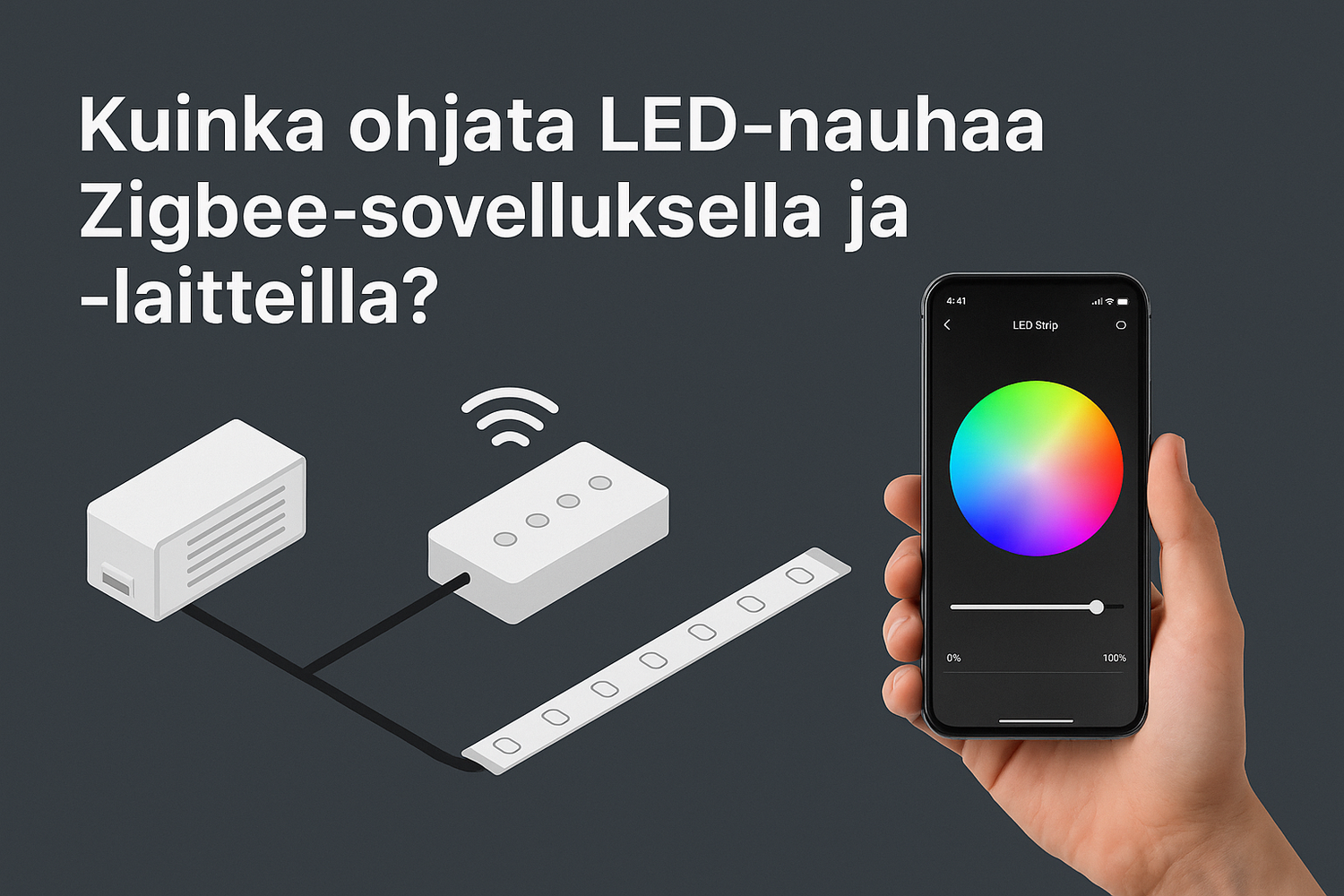
In our previous blog post "Wireless Zigbee control for LED lights – convenience for everyday life" , we generally discussed what Zigbee technology is and how it makes lighting control smart. In this follow-up, we focus specifically on LED strips and practically show how to implement Zigbee control step by step.
Why control LED strips with Zigbee?
LED strips are a popular solution for kitchen countertops, indirect living room lighting, and for example, as backlighting for TV units. With Zigbee control, you can:
-
Adjust brightness and color from the app
-
Create your own lighting scenarios (e.g., "morning light," "movie night")
-
Control lighting with voice via Alexa or Google Assistant
-
Integrate lighting as part of your entire smart home
What you need for Zigbee control of an LED strip:
-
LED strip
-
Monochromatic, CCT (tunable white), or RGB/RGB+CCT.
-
Example: Valotehdas COB LED strips
-
-
Power supply (LED power supply)
-
Converts 230 V to 24 V.
-
Power must be sufficient for the total wattage of the strip (e.g., 5 m × 15 W/m = 75 W → choose at least a 100 W power supply).
-
-
Zigbee controller/receiver
-
Connected between the power supply and the LED strip.
-
E.g., Zigbee RGB+CCT controller.
-
-
Zigbee gateway (hub/bridge)
-
Usually needed to connect devices to the app (e.g., Philips Hue Bridge, IKEA Trådfri Gateway).
-
Some smart speakers (like Amazon Echo) have Zigbee built-in.
-
Installation – step by step
-
Install the LED strip in a profile (for cooling and a neat appearance).
-
Connect the strip to the power supply and add the Zigbee controller in between.
-
Order: Power Supply → Zigbee Controller → LED Strip
-
-
Connect the controller to the Zigbee bridge according to instructions (resetting and pairing).
-
Open the app (e.g., Hue, Tuya, SmartThings) and name the LED strip.
-
Test control: adjust brightness, color, and try automations.
Practical example
Kitchen backsplash LED strip:
-
COB LED strip 15 W/m (warm and cold light adjustment, CCT).
-
Philips Hue Bridge → control with Hue app and voice.
The result: bright task lighting for cooking and warm ambient lighting for the evening – all from the same strip and app.
Zigbee vs. other control methods for LED strips
-
RF remote control: easy, but a separate controller and no integrations.
-
WiFi control: works with a phone, but can overload the network.
-
Zigbee: reliable, energy-efficient, and easy to expand to the entire smart home.
Summary
Zigbee makes controlling LED strips easy, smart, and expandable. By combining a high-quality strip, the right power supply, and a Zigbee controller, you get lighting that adapts to your everyday life – with an app, automation, and voice.
👉 Check out Valotehdas's Zigbee controllers and LED light strips and make your home even smarter!


0 comments